USB Type-C Audio Interface Explained: A UK Buyer's Guide
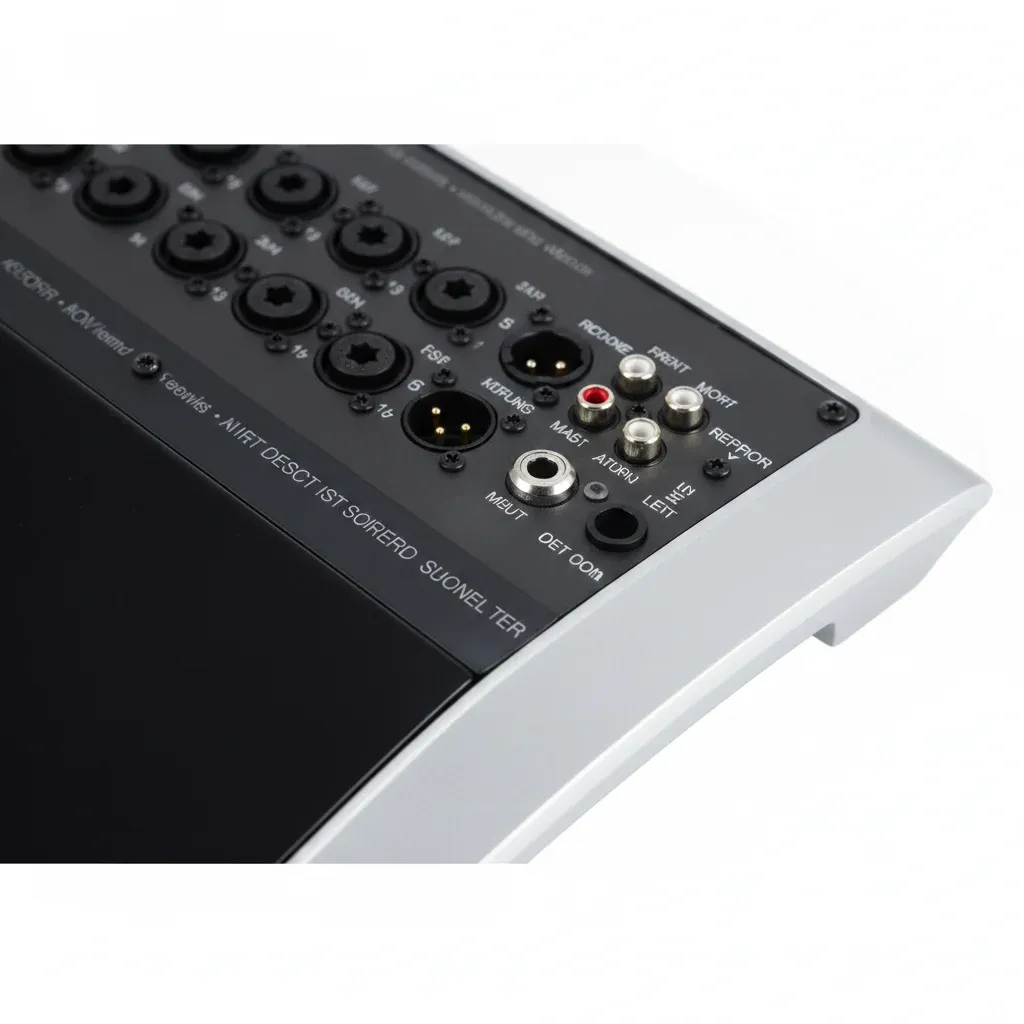
Short answer: a USB Type-C audio interface connects your microphones and instruments to a modern computer through its USB-C port. USB-C mainly changes the connector and the convenience of power — it does not, by itself, make audio sound better. For a single source it is ideal; for a service with several microphones you will want a USB mixer you can control from an iPad.
If you look after the sound at a church or community venue, the pain is rarely the interface itself. It is that only one person can run the old analogue desk, and the mix from the back of the hall sounds nothing like it does in the pews, so you end up mixing by guesswork. Understanding what a USB-C audio interface can and cannot do is the first step to a set-up your volunteers can actually use.
What should you know about a USB Type-C audio interface?
- USB-C is a connector, not a sound-quality upgrade — the reversible plug and easy bus power are the real benefits.
- USB 2.0 has ample bandwidth for multitrack audio, whether the plug is Type-C or Type-B.
- A one- or two-input interface suits a single lectern mic or a stereo feed; a multi-mic service needs a mixer.
- A mixer with iPad control and scene recall lets a volunteer mix from the congregation and reload a saved service in one tap.
What is a USB Type-C audio interface?
It is an audio interface that plugs into your computer's USB-C socket — the small, reversible port found on most laptops and tablets sold in the last few years. The interface converts your microphone and line signals into digital audio for your recording or streaming software. The USB-C part refers only to the shape of the connector; the audio still travels over the familiar USB protocol.
USB-C, USB-B and USB-A: what is the difference?
Older interfaces and many mixers use a squarer USB Type-B socket or a flat USB-A plug; newer, smaller interfaces use USB-C. They are electrically compatible — a device with a USB Type-B port, such as the Behringer X AIR X18, connects to a USB-C laptop with a simple USB-C-to-B cable, with no loss of channels. For the practical side of connecting to modern school and studio laptops, see our audio interface with USB-C guide.
Does USB-C improve audio quality or latency?
Not on its own. Audio quality is set by the converters, the sample rate and bit depth, and the preamp design — not by the connector. Latency depends mostly on your buffer settings and drivers. USB 2.0, which most interfaces use, carries far more data than stereo or even many multitrack channels need, so a Type-C plug does not add headroom that USB-B lacks. Treat USB-C as a convenience feature: reversible, tidy, and often able to power the interface from the same cable.
How do you choose a USB Type-C audio interface?
- Inputs and outputs — count the microphones and instruments you need at once. Two is plenty for a solo recording; a service is different.
- Preamps — quiet preamps keep spoken word clean, which matters for sermons and readings.
- Power — small interfaces are often bus-powered; larger mixers need mains power for their preamps and processing.
- Compatibility — check current drivers for your laptop or tablet, and whether it works with an iPad if you plan to mix wirelessly.
When a small interface is not enough: multi-mic services
A two-input USB-C interface cannot handle a worship band, several speakers and a livestream feed at once. That is where a USB mixer earns its place. With wireless control you can walk into the congregation with an iPad and mix by ear where people actually sit, and you can save a scene for the Sunday service, a wedding and a funeral, then recall the right one in a single tap instead of re-balancing the desk from scratch each time. For the full multitrack picture, our USB mixer audio interface guide goes deeper.
The Behmix X AIR X18 for multi-mic services
The Behmix X AIR X18 is the multi-mic step up from a two-channel interface: 18 channels, 16 Midas-designed preamps and an 18-in/18-out USB interface, controlled wirelessly from an iPad or Android tablet with full scene recall. It connects over USB Type-B (pair it with a USB-C-to-B cable for a modern laptop) plus Ethernet and built-in tri-mode Wi-Fi. It is £771.45 inc. VAT (£642.88 ex. VAT), rated 4.9 out of 5 from 474 reviews, with free UK delivery, a 12-month warranty and 30-day returns.
Mix every service from an iPad, out in the room
View the Behmix X AIR X18 — £771.45Frequently asked questions
What is a USB Type-C audio interface?
It is an audio interface that connects to your computer through a USB-C port. USB-C is the reversible connector found on most recent laptops and tablets; the interface still uses the USB audio protocol, so USB-C mainly changes the plug and power rather than the sound.
Does a USB-C audio interface sound better than USB-B?
No. The connector does not change audio quality. Sample rate, bit depth and preamp design set the sound, and USB 2.0 has ample bandwidth for multitrack audio whether it uses a Type-C or Type-B plug.
Can you connect a USB Type-B mixer to a USB-C laptop?
Yes. A mixer with a USB Type-B port, such as the Behringer X AIR X18, connects to a USB-C laptop using a USB-C-to-B cable, with no adapter box and no loss of channels.
When should you choose a USB mixer instead of a small USB-C interface?
Choose a mixer when you need more than one or two inputs, separate monitor mixes, or scene recall. A church service or event with several microphones is far easier on a mixer you can control from an iPad.
Need multitrack USB routing, not just a stereo feed?
Free UK delivery over £150 · 12-month warranty · 30-day returns
Explore the X AIR X18 — £771.45